Themes
Themes let you tune 3-Way Calculator’s interface to match your work style, lighting, and taste.
The calculator includes five visual themes that change colours, fonts, and visual effects across the interface, while leaving functionality unchanged.
Switching themes
- Open the drawer menu (click or tap ☰ in the top-left).
- Tap Settings.
- Scroll to the Theme card.
- Select any theme. Changes apply immediately.
Your selected theme is saved and will be restored when you return.
Midnight Executive (default)
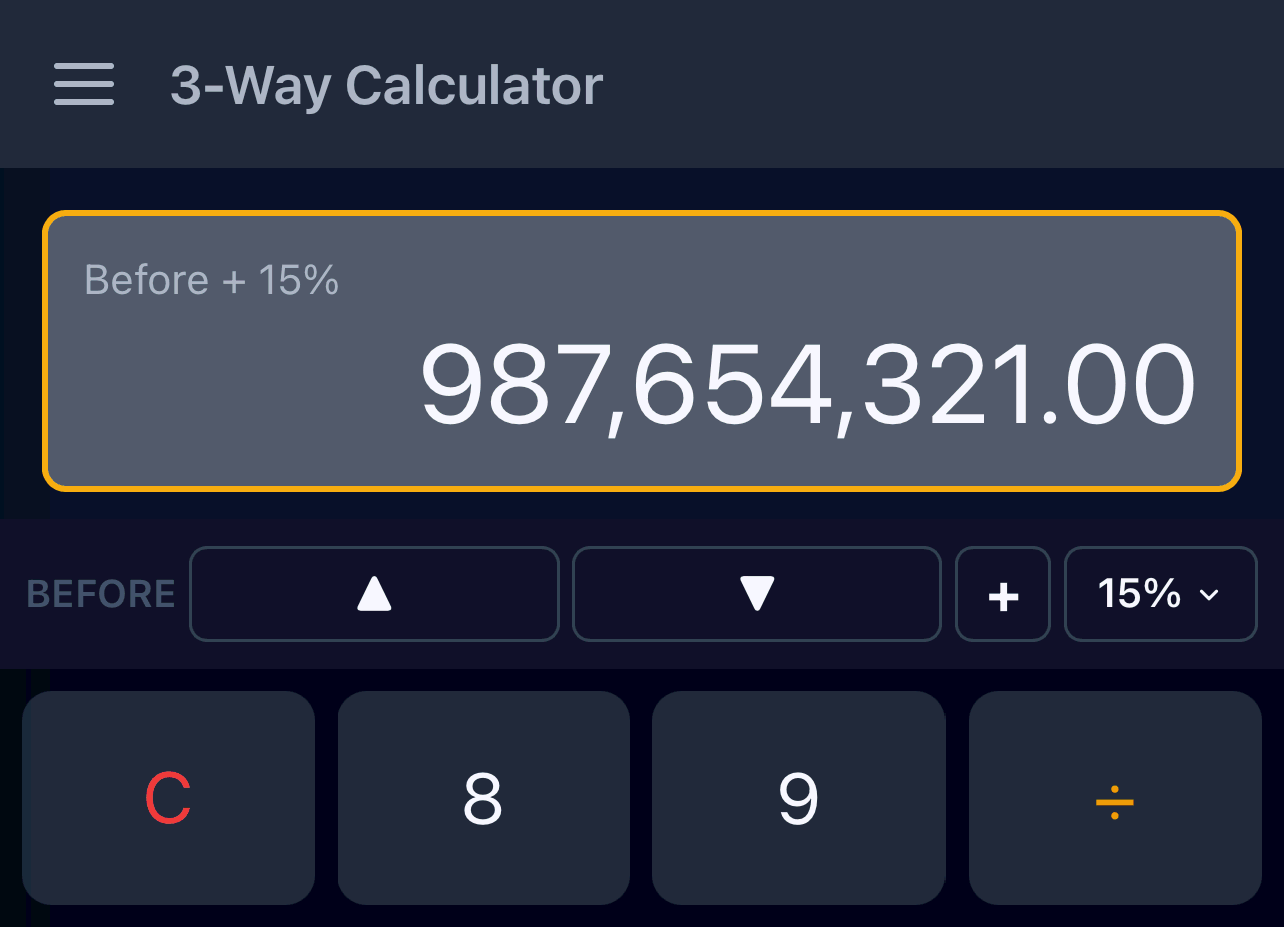
Midnight Executive theme preview
The default theme. A dark, professional look with a warm amber accent that feels like an executive dashboard and is comfortable in low light, especially on OLED screens.
Graphite Professional
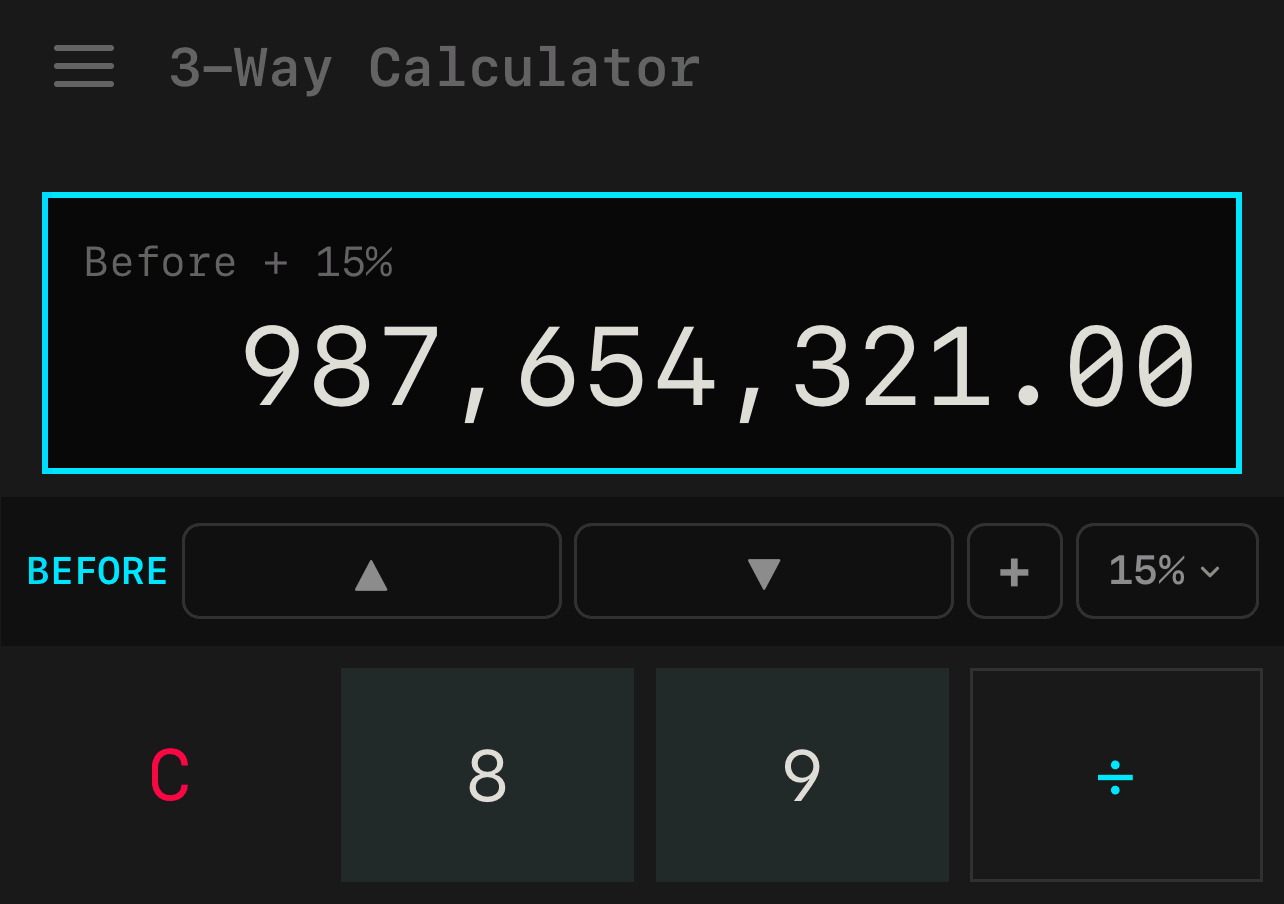
Graphite Professional theme preview
A clean, technical theme with a crisp cyan accent and a focused, developer-tool feel for people who like minimal, no-frills interfaces.
Retro
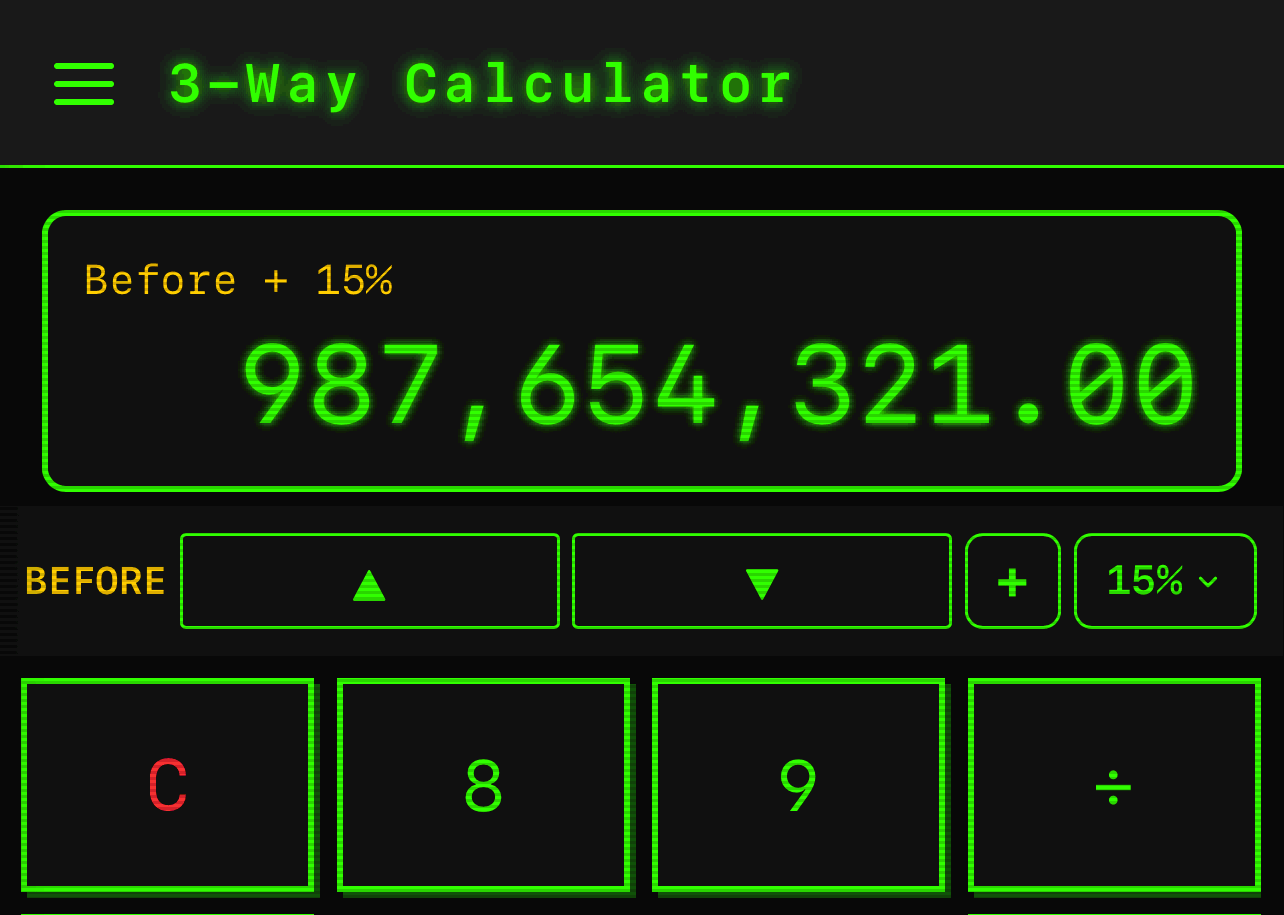
Retro theme preview
A glowing green CRT-style theme with scanline and chunky button effects that leans hard into vintage terminal and Pip-Boy nostalgia.
Glassmorphism
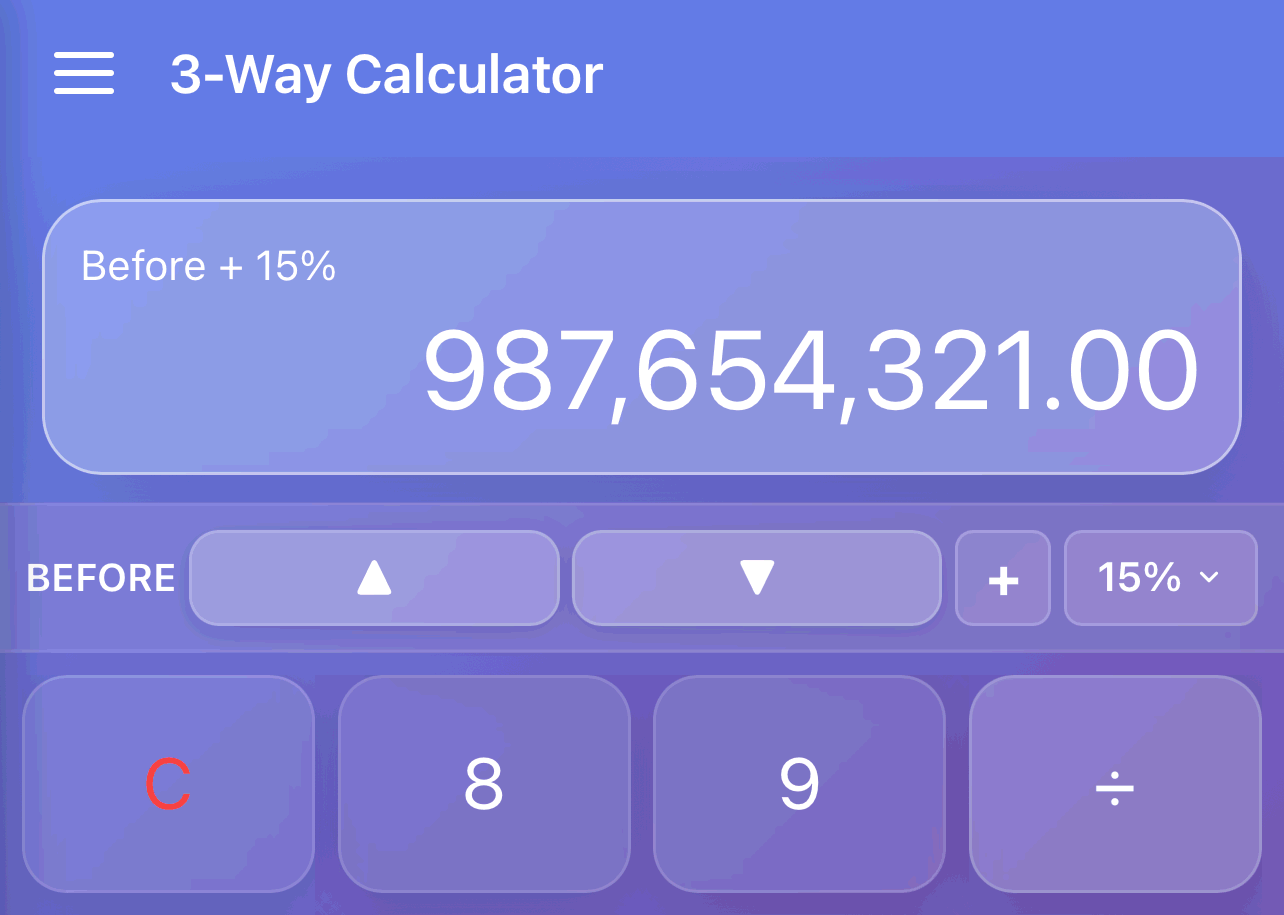
Glassmorphism theme preview
A modern frosted-glass theme with a soft purple gradient that feels sleek and contemporary, like a polished iOS home screen.
TI-83
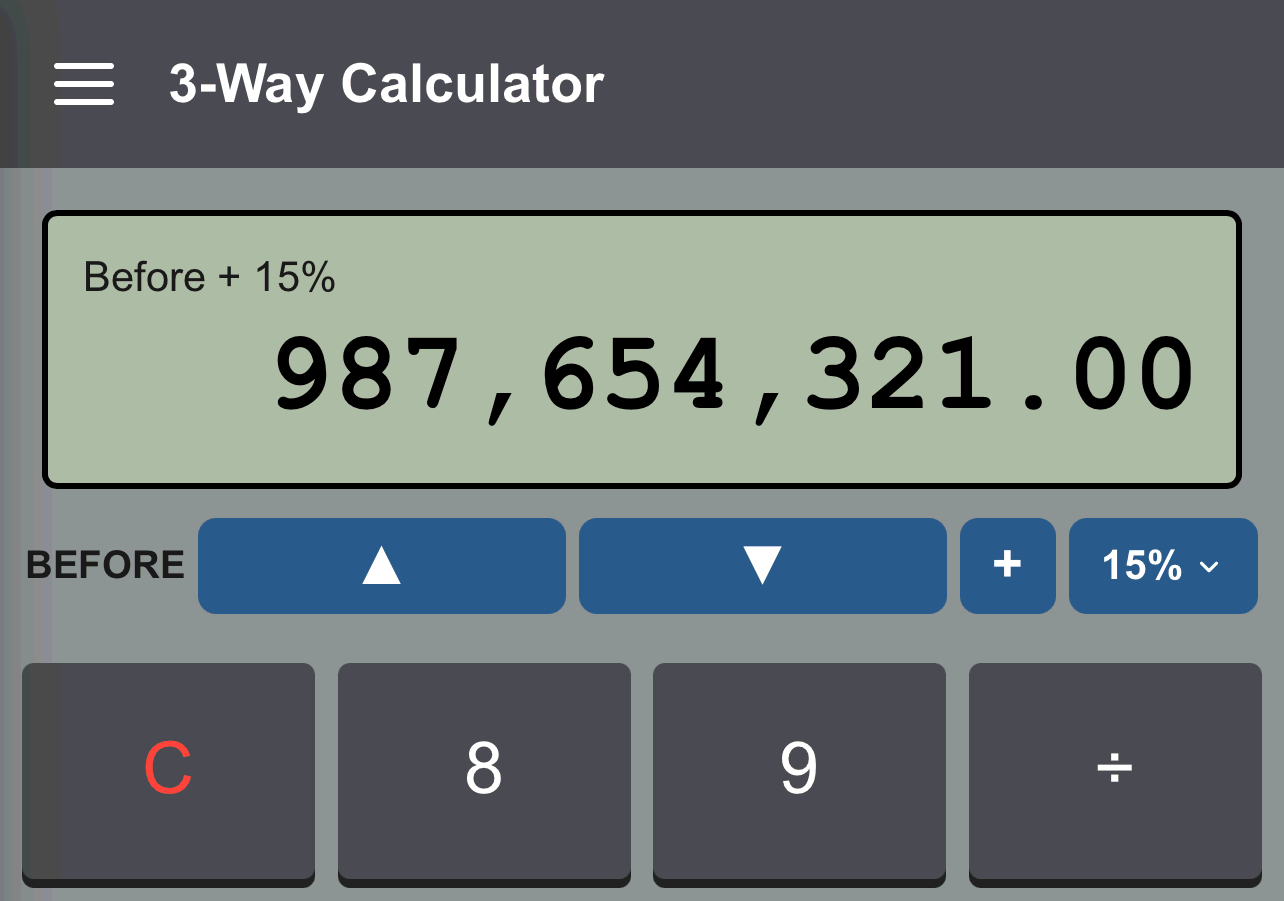
TI-83 theme preview
A classic grey body with a green LCD-style display that mimics a real TI-83, perfect if you grew up on graphing calculators in math or engineering classes.
Which theme should I choose?
There is no wrong answer - theme choice is entirely personal preference. guidelines:
| If you want… | Choose… |
|---|---|
| A professional, dark default | Midnight Executive |
| A clean, technical look | Graphite Professional |
| Something fun and nostalgic | Retro or TI-83 |
| A modern, trendy aesthetic | Glassmorphism |
| Maximum battery saving (OLED) | Midnight Executive (darkest) |
You can switch at any time, so try them all.